
1 / 2eShop
Цены · Казахстан
Валюта: KZT. Нажмите, чтобы открыть страницу игры в магазине.
- eShopСША
Нет цены в eShop (США)
Открыть в Nintendo eShop ↗
Об игре▾
PURCHASE BONUS
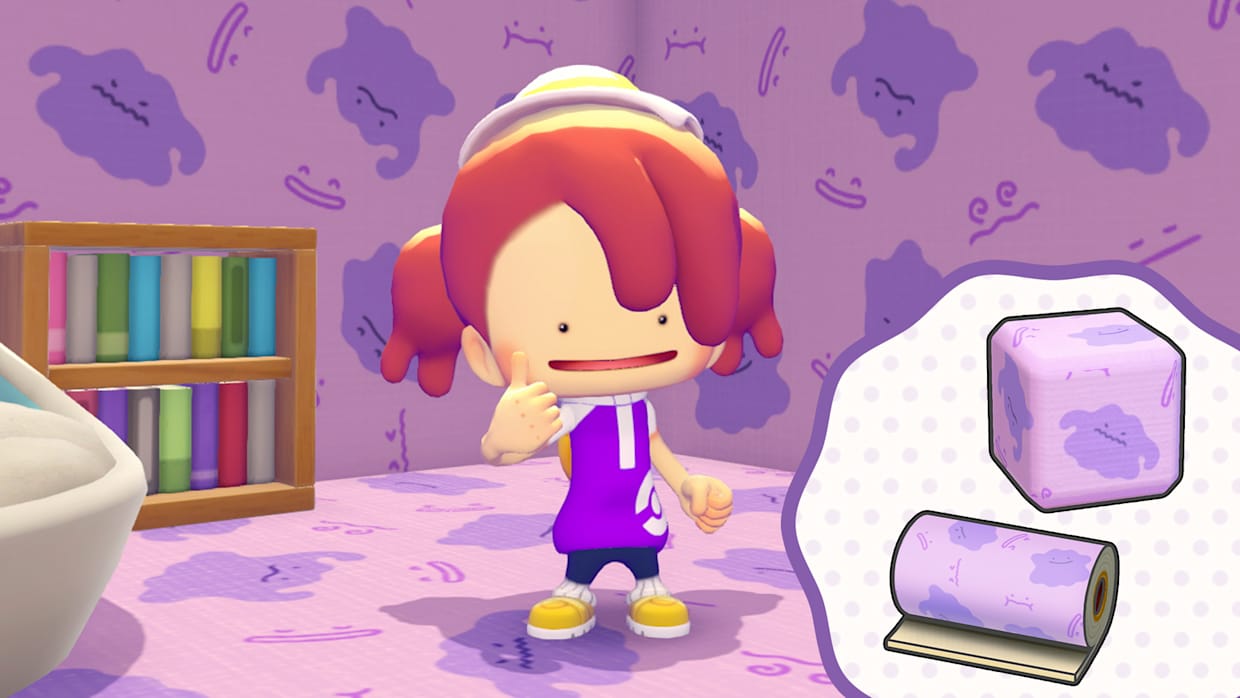
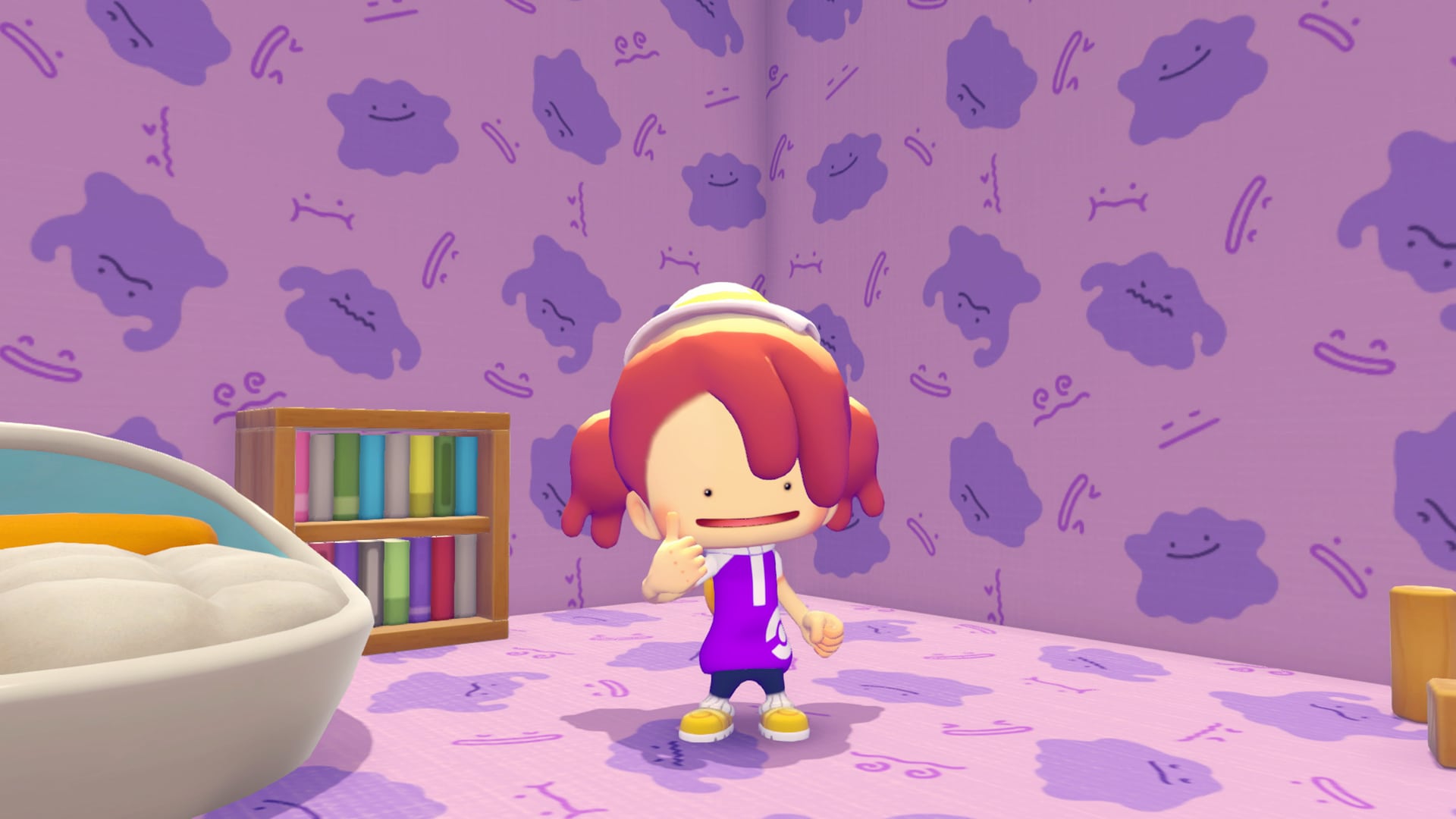
Players who purchase the Pokémon™ Pokopia Expansion Pass will be able to receive an in-game recipe for dynamic Ditto print blocks and wallpaper as a purchase bonus.
USE THESE STEPS TO RECEIVE A DYNAMIC DITTO PRINT RECIPE.
1. Launch your Pokémon™ Pokopia game.
2. Press the + Button while in-game to open the main menu and select Downloadable Content.
3. Select Check Items.
4. Select Receive to connect to the internet*.
5. Watch as the gift arrives in your game.
6. The game will save automatically after receiving the gift.